Overview
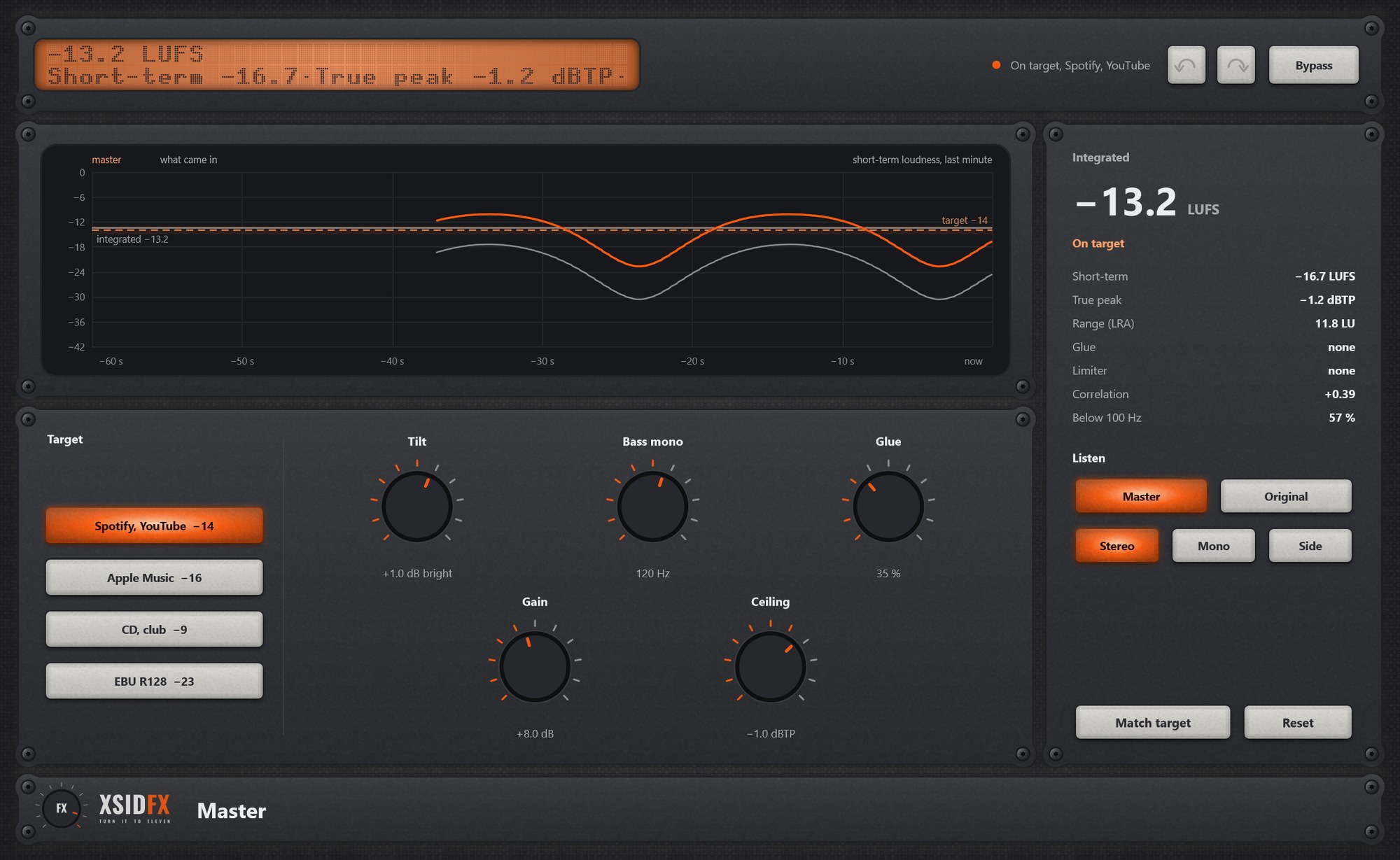
Master sits at the end of the chain. It measures loudness the way the streaming services do, sets Gain to meet a target, compares with the original at equal loudness, checks how the mix translates, and offers a little processing: tilt, bass mono, glue, and a true-peak limiter.
Getting started
- Choose a target, play at least five seconds of the loudest part, press Match target.
- Press Reset and play again to check; compare with Original.
Controls
| Target | Spotify, YouTube -14; Apple Music -16; CD, club -9; EBU R128 -23 LUFS. |
| Tilt | The balance darker or brighter, one knob. |
| Bass mono | The lows in the middle below a frequency. |
| Glue | A gentle 2:1 compressor that holds the mix together. |
| Gain | The push into the limiter. |
| Ceiling | The true-peak ceiling, -1 dBTP by default. |
| Listen | Master or Original (the input, matched in loudness); Stereo, Mono or Side. Never saved. |
| Match target, Reset | Sets Gain from what was measured; starts measuring again. |
Settings
This plugin has no settings panel: everything is on the front, and the gear is hidden.
What the screen shows
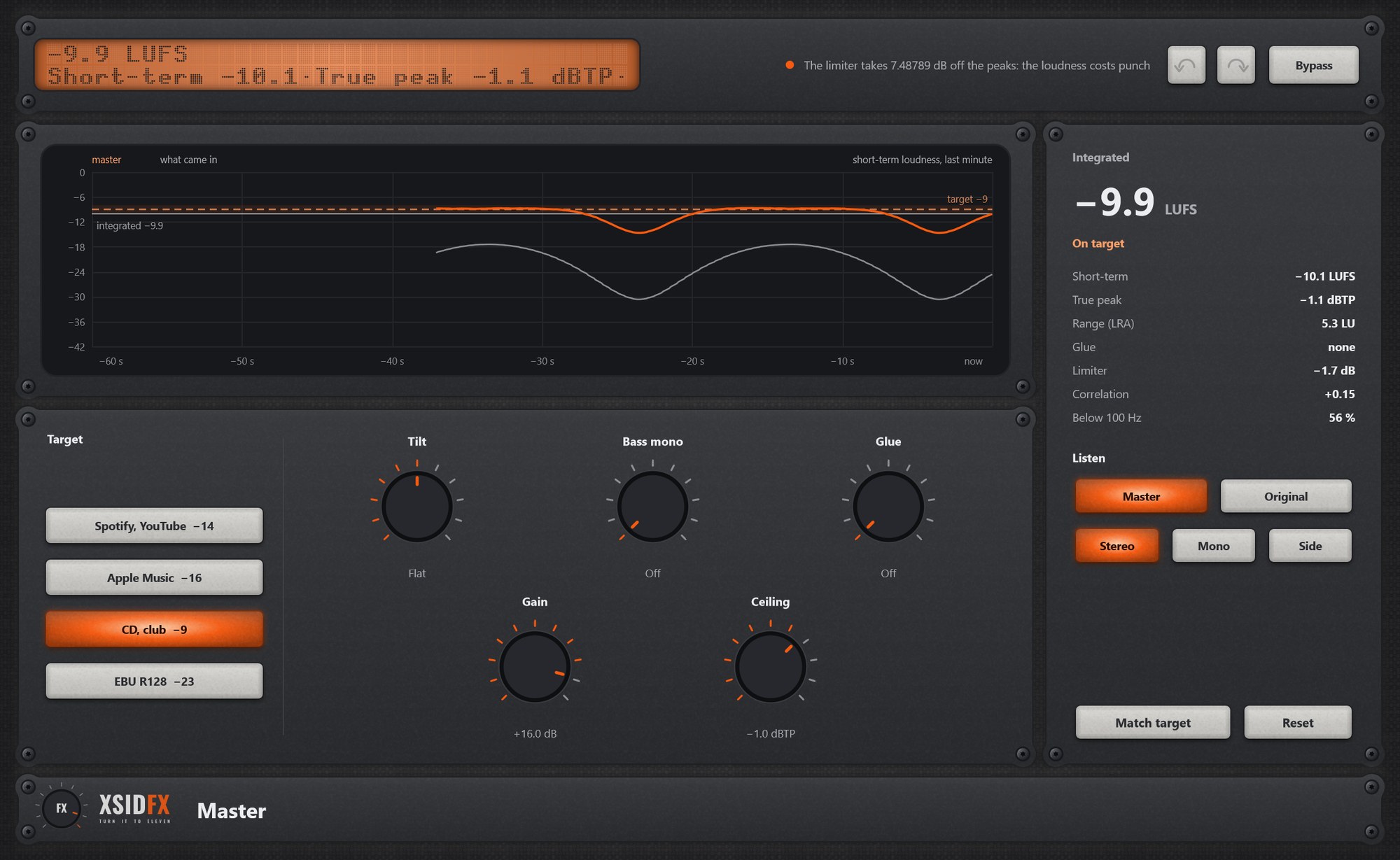
A minute of short-term loudness (master orange, input grey, target band), and the readings: Integrated, Short-term, True peak, LRA, Glue, Limiter, Correlation, share of energy below 100 Hz.
Tips
- If the limiter takes more than 6 dB, the hint warns: the loudness costs punch.
- Check in Mono: if the mix falls apart, look at the correlation.
Technical notes
- No Input or Output knobs on purpose: the ceiling must be the last thing the sound meets.
- Latency 87 samples at 48 kHz, reported to the DAW.
Common to every plugin
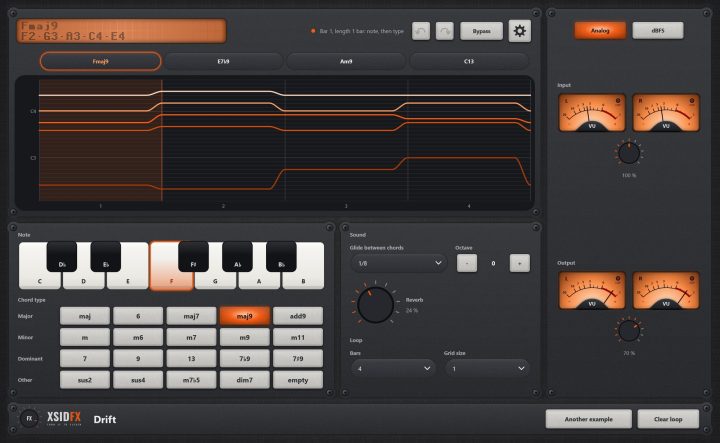
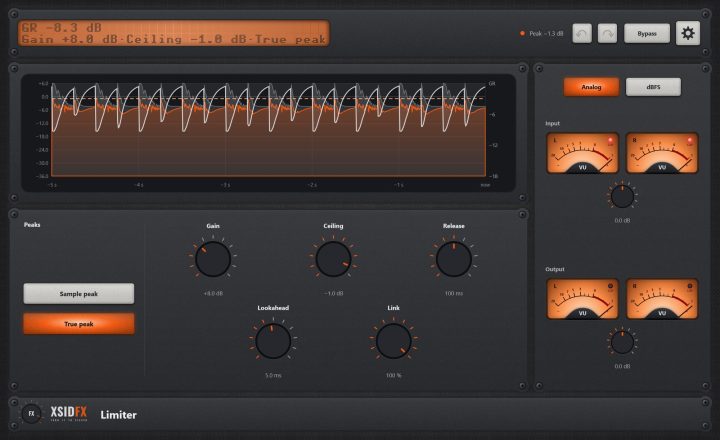
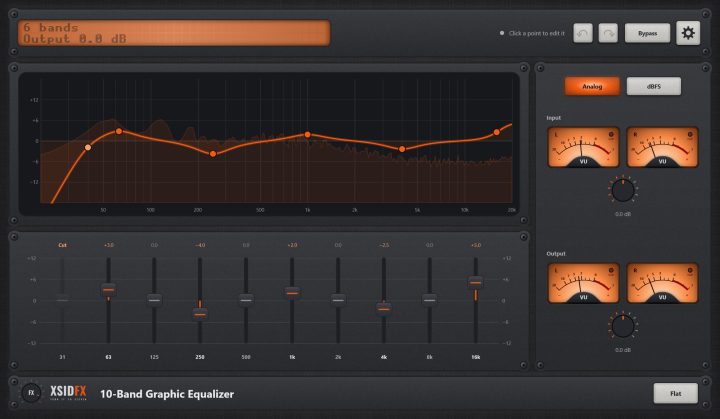
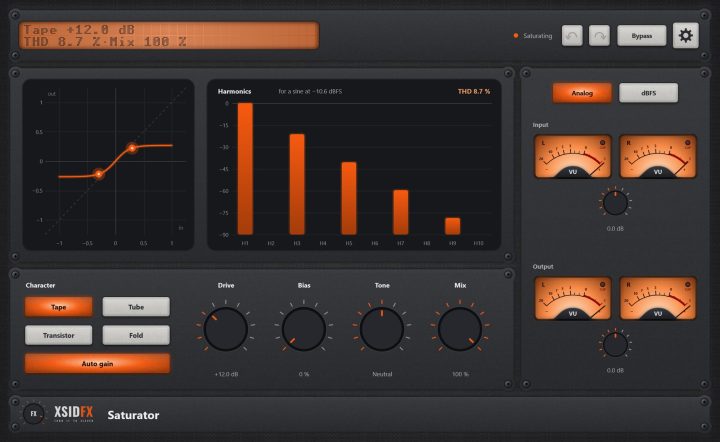
| The header | Every window opens with the same header. On the left a dot-matrix display shows the main reading large and the details under it; text that does not fit scrolls. Next to it a hint with a coloured dot says what the plugin is doing or what to do next. On the right: Undo and Redo arrows (up to 100 steps of everything done in the window), the Bypass button, and the gear, which opens the plugin's settings panel when it has one. |
| Bypass | With Bypass lit, the plugin lets the sound through untouched. It is the same switch as your DAW's own bypass for the plugin, so either can be used and automated. The input is held back by exactly the plugin's latency, so the timing stays right, and switching fades over 10 ms, so it never clicks. Bypass is not part of Undo. |
| Knobs | Drag a knob up or down to turn it. Knobs that go both ways, or that have a natural middle, catch briefly at their centre. A double-click returns a knob to its default. |
| About and the demo | A click on the xsidfx logo in the footer opens About. In the demo version the plugin's name ends in (demo), its settings are not saved with your project, and About opens each time the window does. |