Overview
Analyzer measures loudness the way the streaming services and broadcasters do (ITU-R BS.1770, EBU R128) and shows the spectrum. It changes nothing in the sound.
Getting started
- Choose a target, play the whole song, read Integrated and how far from the target it is.
Controls
| Target | Spotify, YouTube -14; Apple Music -16; EBU R128 -23; CD, club -9 LUFS. |
| Reset | Starts the integrated loudness, range and maxima again. |
Settings
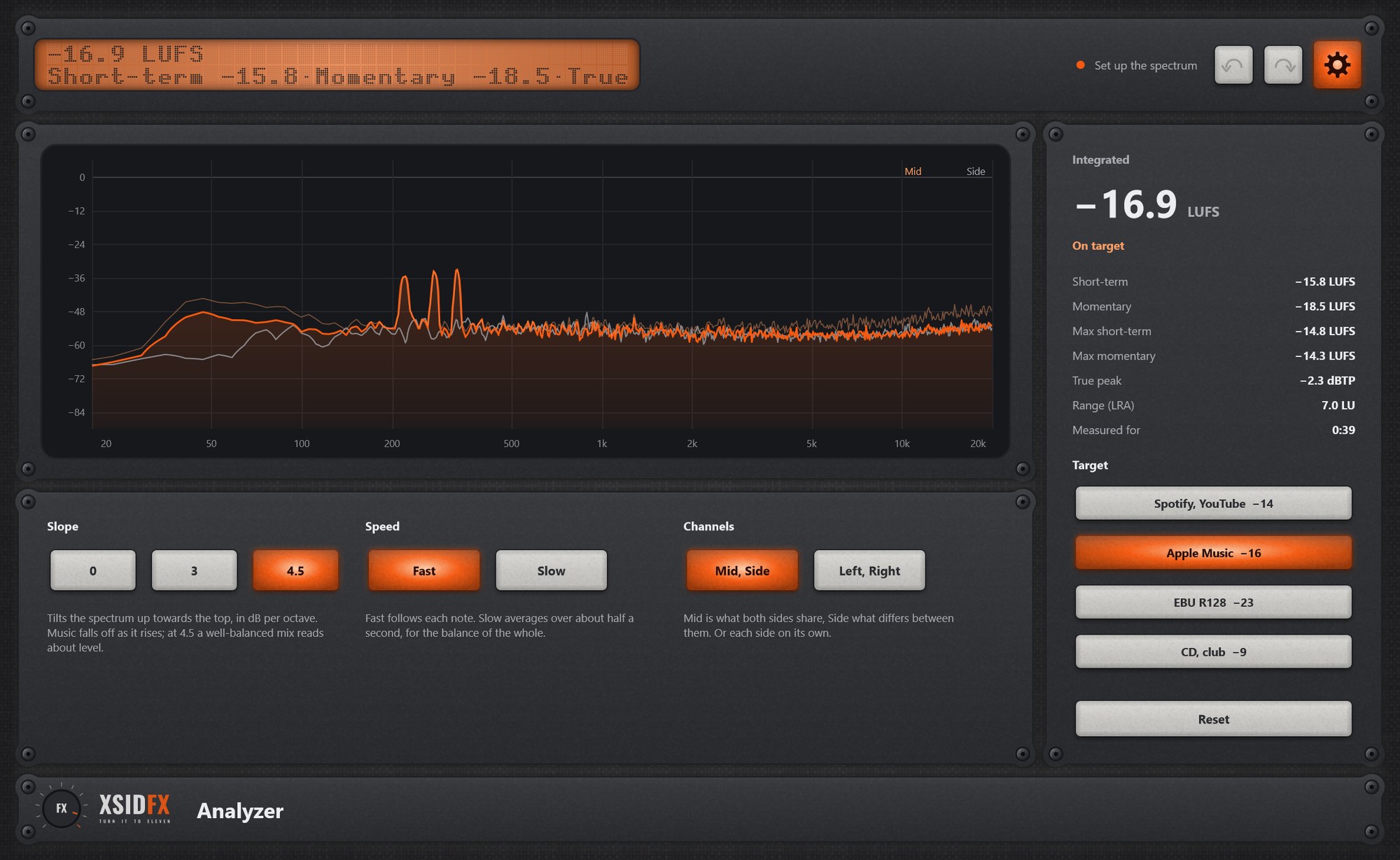
The gear in the header opens the settings panel; it covers the lower panel until the gear is clicked again.
| Slope | 0, 3 or 4.5 dB/oct tilt of the spectrum. |
| Speed | Fast or Slow averaging. |
| Channels | Mid and Side, or Left and Right. |
What the screen shows
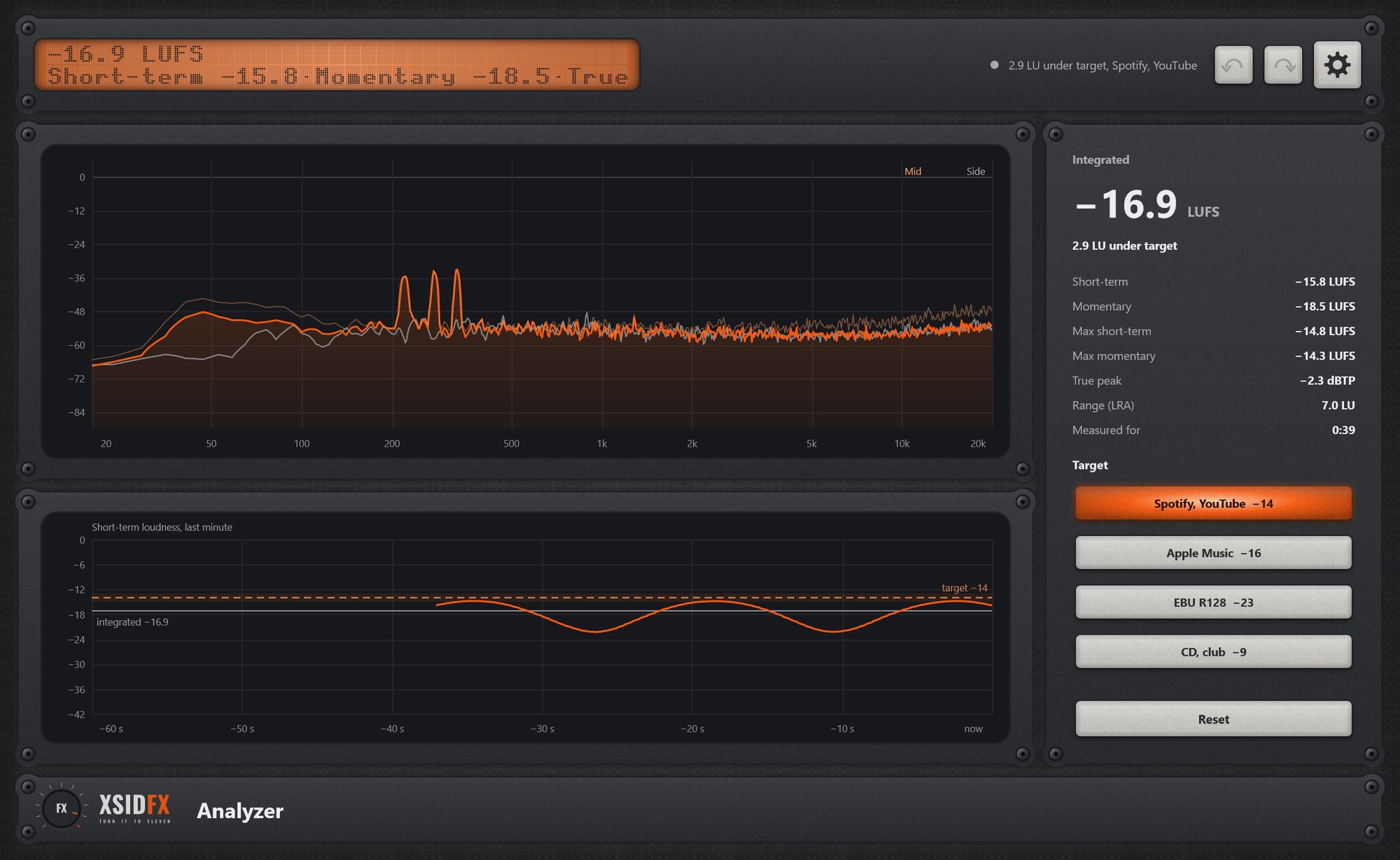
The spectrum (Mid orange, Side grey, peak line), a minute of short-term loudness with the target, and the readings: Integrated, Short-term, Momentary, their maxima, True peak, LRA.
Tips
- Keep True peak under -1 dBTP for streaming.
Technical notes
- Checked against the EBU Tech 3341 and 3342 test cases. No Bypass, no level meters: it only listens.
Common to every plugin
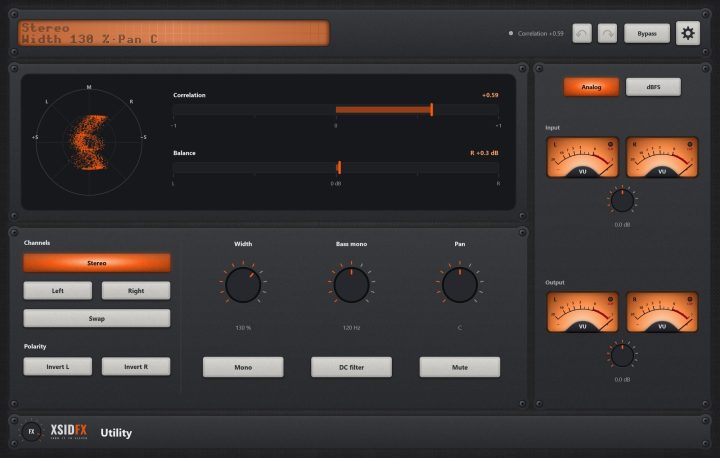
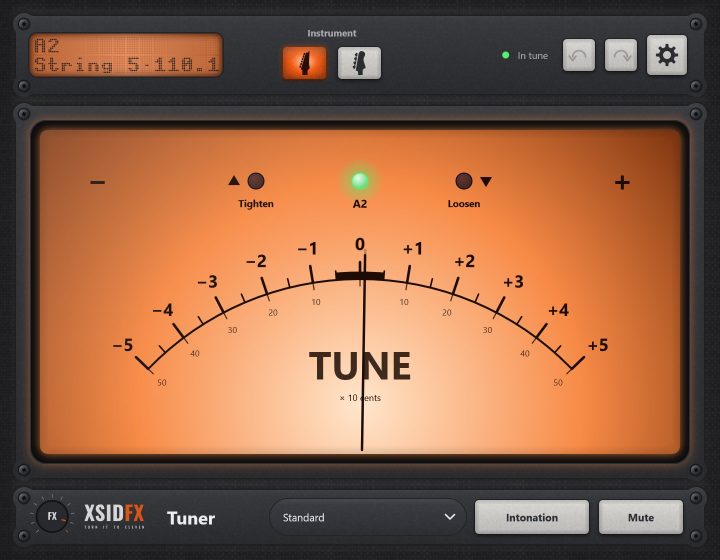
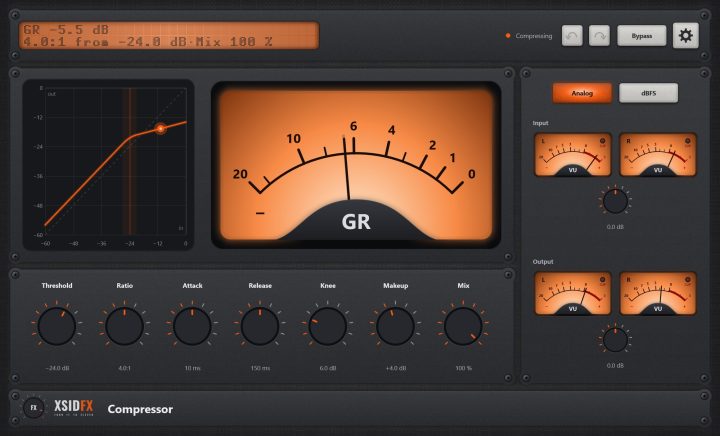
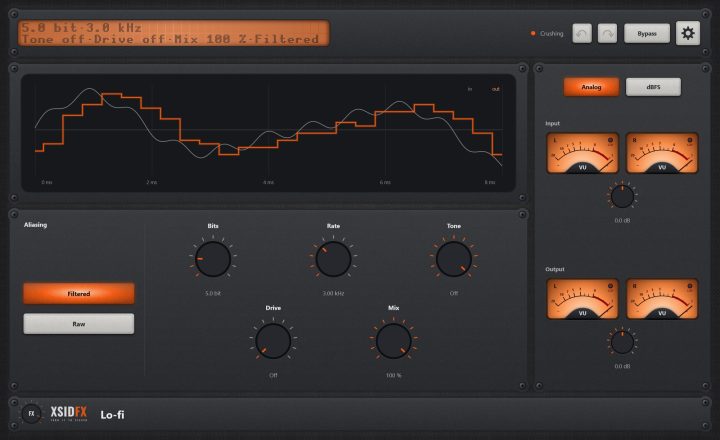
| The header | Every window opens with the same header. On the left a dot-matrix display shows the main reading large and the details under it; text that does not fit scrolls. Next to it a hint with a coloured dot says what the plugin is doing or what to do next. On the right: Undo and Redo arrows (up to 100 steps of everything done in the window), the Bypass button, and the gear, which opens the plugin's settings panel when it has one. |
| Knobs | Drag a knob up or down to turn it. Knobs that go both ways, or that have a natural middle, catch briefly at their centre. A double-click returns a knob to its default. |
| About and the demo | A click on the xsidfx logo in the footer opens About. In the demo version the plugin's name ends in (demo), its settings are not saved with your project, and About opens each time the window does. |